
How to Use AI to Draft Personalized First Responses in Zoho Bigin
Time to build
2 hours
Setup cost
$0
Read time
10 min read
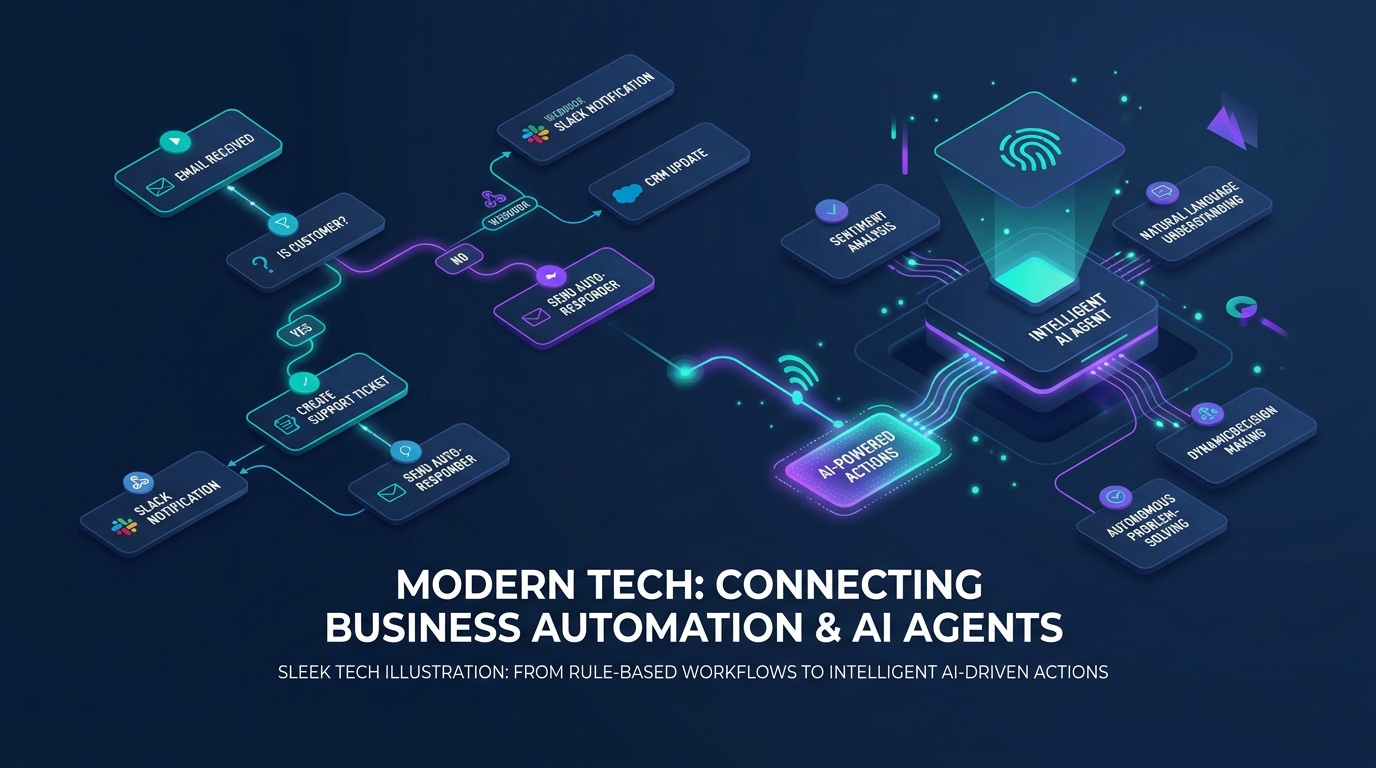
Automation & AI Workflow Map
Event triggers, multi-step scenario routing, and autonomous agent task execution
The Blueprint Summary
AI allows you to deliver the speed of an auto-responder with the warmth of a bespoke personal message. By setting up inquiry parsing in Bigin Premier or 360, AI extracts key project details, writes an individualized response referencing the customer specific needs, and queues it in the CRM for a 15-second human review before sending.
Key Takeaways
- ✓ Personalized responses referencing specific client challenges convert at more than double the rate of generic auto-responders.
- ✓ Bigin Premier includes Zia AI credits that extract key customer intent, budget, and urgency signals automatically.
- ✓ A human-in-the-loop workflow ensures zero hallucinated promises: AI drafts the text, and a human reviews and clicks send.
- ✓ Pre-call AI briefings save sales reps 10 to 15 minutes of manual research before every discovery conversation.
- ✓ Connecting Bigin to Claude via MCP allows advanced custom prompts that draw from your past case studies and pricing guidelines.
Before You Start
- → Upgrade to Bigin Premier or Bigin 360
- → Enable Zia AI features in Bigin settings
- → Draft your core service value propositions and booking calendar links
Implementation Steps
Activate Zia AI in Bigin Premier or 360
Enable Zia artificial intelligence features inside your Bigin account settings to unlock email sentiment analysis, note parsing, and credit allocation.
- • Log in to Bigin as an administrator and go to Settings > Zia
- • Toggle on Zia Email Parser and Zia Intent Extraction
- • Review your monthly credit balance and configure usage alerts at 80% consumption
- • Set up notification channels to alert reps when AI drafts are ready
Bigin Premier starts at $12/user/mo
The Catch
Zia is included on Bigin Premier (1,000 credits/mo) and Bigin 360 (3,000 credits/mo). It is not available on Free or Express editions.
Configure automated inquiry text extraction
Set up parsing rules so that when a prospect submits a paragraph of project details, Bigin automatically pulls out structured parameters.
- • Map form message text to the Project Description custom field in Bigin
- • Configure Zia parsing rules to extract 4 structured signals: Service Type, Estimated Timeline, Mentioned Budget, and Urgent Pain Points
- • Populate these extracted values into custom fields on the Deal record for instant filtering
Included in Bigin Premier
The Catch
Ensure your intake forms give prospects adequate space in a multi-line text box so the AI has rich context to work with.
Build the response drafting prompt template
Define your standard tone of voice, service menu, and scheduling instructions inside your AI response prompt.
- • Define your prompt persona: Friendly, senior systems strategist speaking plain Grade 5 English
- • Instruct the model: Address the prospect specific problem in sentence 1, mention a relevant past project in sentence 2, and invite them to schedule a discovery call in sentence 3
- • Inject the assigned representative direct booking calendar URL into the call to action
- • Set the draft destination to the Bigin email draft queue
Included in Bigin Premier
The Catch
Keep the prompt focused on booking a discovery call. Never instruct AI to quote binding fixed prices without human oversight.
Execute the 15-second human review and dispatch workflow
Train your sales team to review the AI draft on mobile or desktop, make any quick adjustments, and dispatch the message in under two minutes.
- • Rep receives mobile push alert: AI response draft ready for review on [Lead Name]
- • Rep opens the draft in Bigin, checks the customized sentences, and adds any personal touch
- • Rep clicks Send. The email dispatches directly from the rep authentic business email address
- • Deal stage advances automatically to Contacted: Awaiting Booking
Free team operational standard
The Catch
Do not automate 100% unattended sending for custom service inquiries. Human sign-off protects your brand and ensures accuracy.
Automate pre-call deal briefings for your team
Have Zia generate a 3-bullet executive summary on the deal record so the rep is fully prepared before jumping on the call.
- • Zia automatically summarizes the prospect primary requirements into 3 clear bullet points
- • Summary pins to the top of the Bigin deal notes feed
- • Rep reviews the summary before dialing, demonstrating immediate familiarity with the prospect business
Included in Bigin Premier
The Catch
Review the briefing before picking up the phone so you speak directly to the client pain points from the first second.
Common Mistakes
Frequently Asked Questions
Does the AI send emails without me seeing them?
Can I connect Claude or ChatGPT to Bigin instead of Zia?
What happens if we run out of Zia credits during the month?
References
- The Short Life of Online Sales Leads (2011) . Harvard Business Review
- Form Conversion Rate Benchmark Report (2025) . Chili Piper
Email this guide to yourself
Save the link to your inbox so you can review the steps or implement the system when you're at your desk.
Check your inbox. The link is on its way.
No spam. Unsubscribe anytime.
Add us to your preferred sources to see our latest business systems, tool reviews, and RevOps guides first in your Google feed.